
Shoppi Pay POS Mobile — Stripe Reader M2 & WisePad 3
Ultra-lightweight Bluetooth card readers built for on-the-go merchants, pop-up events, and table service.
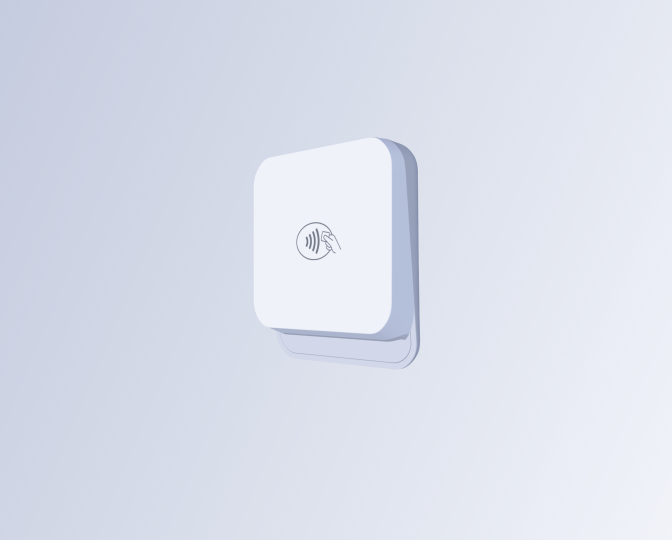
Full card acceptance, no terminal rental.
Pairs in seconds via Bluetooth to your iPhone, iPad, or Android phone running the Shoppi Pay app. Weighs under 70g and lasts for hundreds of card payments on a single charge.
Price: $199.00 (Reader M2, 12 months of Starter included) / 79,00 € / £79.00 (WisePad 3)(excl. tax)
| Form Factor | Pocket compact: 65 × 65 × 12 mm | Weight: 67g (fits in apron or pocket easily) |
|---|---|
| Wireless Protocol | Bluetooth 5.0 Low Energy (BLE) with auto-reconnect on app launch |
| OS Compatibility | iOS (iPhone / iPad with iOS 14+) and Android (phones and tablets with Android 9.0+) |
| Card Schemes | Contactless NFC (credit, debit, Apple Pay, Google Wallet), EMV Contact Chip & PIN |
| Battery Endurance | Up to 800 transactions per charge. Quick recharge via standard USB-C port |
| Mounting | Phone clip mount with adhesive backing; the counter dock is sold separately |
| Certifications | PCI-PTS 5.x SRED, EMV L1 & L2 Contactless, Visa Ready & Mastercard Contactless certified |
Official Stripe Terminal Accessory for Shoppi Pay POS
A weighted countertop dock that keeps the Reader M2 charged on the counter.
Reader M2 Countertop Dock
$35 / €35Weighted desk stand with pass-through charging to keep the M2 secure and perpetually powered on the desk.
Card Processing Rates vs Market Competitors
No machine rental and no lock-in contract. You pay Stripe’s fee plus our 0.4% + 1¢ per payment, both written down.
| POS Provider | Monthly Machine Rent | Standard Card Fee |
|---|---|---|
| Shoppi Pay POS | $0 / month | Stripe’s fee + 0.4% + 1¢ |
| SumUp (UK) | $0 / month | 1.69% fixed |
| Square (UK) | $0 / month | 1.75% |
| Traditional bank terminal | Monthly rental, by contract | A percentage per transaction, by contract |
How the 0.4% + 1¢ works:
Every payment carries Stripe’s standard processing fee, and Shoppi Pay adds 0.4% + 1¢ on top, per tap or insert. Funds land directly in your ordinary business bank account daily, with zero contract lock-in.
Printable Card Acceptance Signage
Cut along the outer border or place into an acrylic counter frame by the register.
Contactless & Digital Payments Welcome
Tap or insert your card, phone, or wearable device for fast and secure checkout.
End-to-end encrypted bank-grade security powered by Stripe Terminal
5-Minute First Day Setup Checklist
Everything needed to move from sealed hardware box to your very first customer payment.
Power up the card reader
Press the front button on your Reader M2 or WisePad 3 to wake it.
Install the Shoppi Pay POS app (included in your plan)
Download the Shoppi Pay POS app from the Apple App Store or Google Play Store. Log into your merchant account: Shoppi opens your Stripe account under Stripe Connect, you enter your details and bank account (IBAN) in Stripe’s form, usually in a few minutes, then Stripe completes verification.
Pair reader to your till
In the app, choose the Bluetooth reader option ("Switch to Bluetooth Reader") and select your reader from the list. If the reader needs a software update, it installs when you connect it and the app shows the progress. Keep the reader charged.
Process a $1.00 / €1.00 test payment
Key in 1.00 on the till screen, tap "Charge", and tap your contactless card or phone. You will hear the confirmation chime and see instant receipt options.